How to Design Your Own Custom T-Shirt: A Complete Guide
Step-by-step guide to designing your own custom t-shirt using our online studio. Learn design tips, fabric choices, and how to order your one-of-one piece.
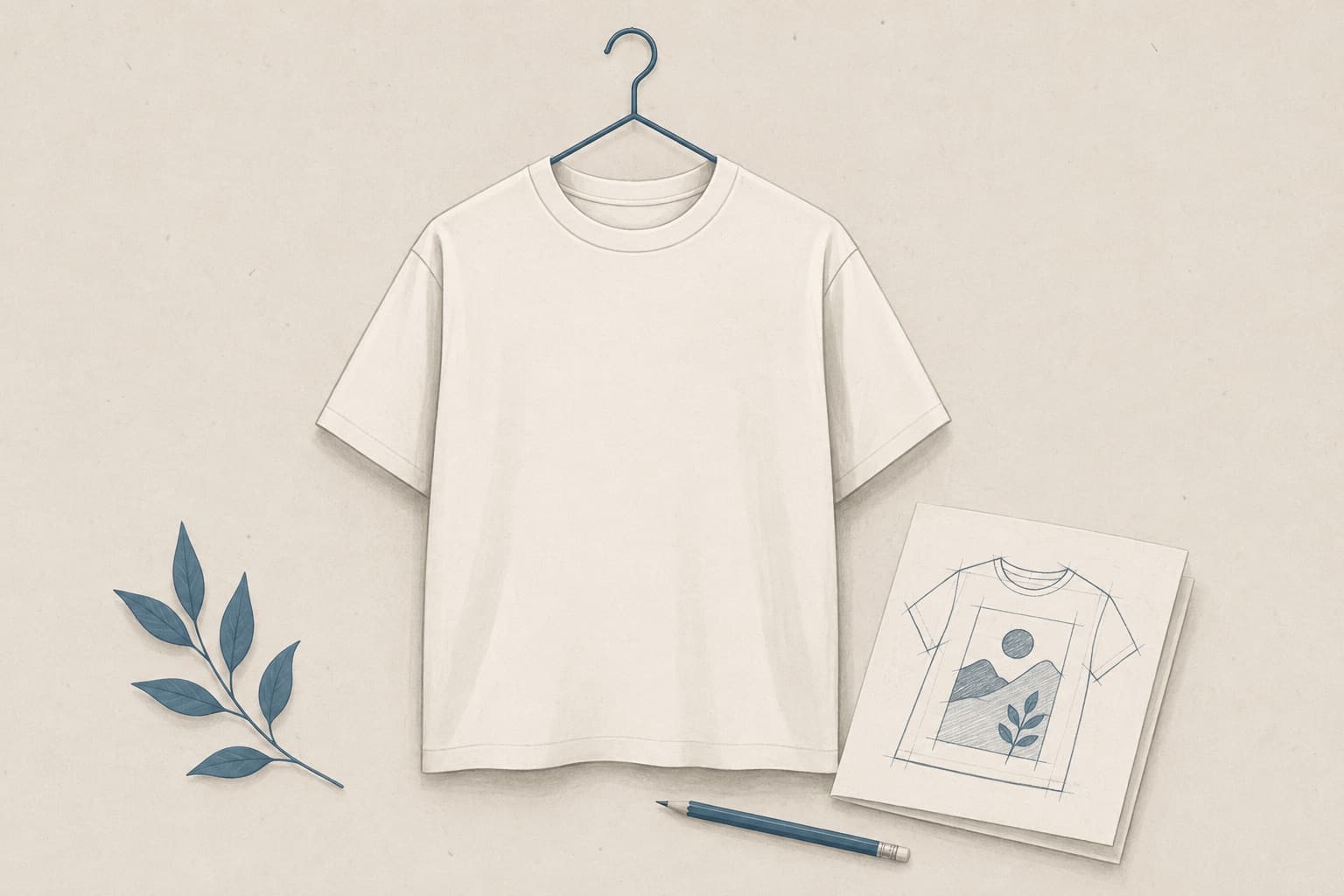
Creating a custom t-shirt takes a few minutes in our online studio. Design a personal gift, promote your brand, or just wear something no one else has. The process is straightforward from start to finish.
Why Design Your Own T-Shirt?
Off-the-rack clothing often feels generic. A custom t-shirt lets you express your personality, commemorate a moment, or create something that perfectly matches your vision. In Egypt, custom apparel is becoming the go-to choice for:
Each piece from One of One is made to order: we print it after you design it, never from pre-made inventory.
Getting Started: Our Online Studio
Our studio is designed to be user-friendly for a seasoned designer and a first-time customizer alike.
Step 1: Choose Your Base Product
Start by selecting the garment type. We offer t-shirts, hoodies, sweatshorts, and more. Consider:
Step 2: Upload or Create Your Design
You have three options:
1. Upload your own artwork (PNG, JPG, or PDF): perfect if you already have a logo, illustration, or photo
2. Use our templates: choose from pre-made designs and customize them
3. Design from scratch: use our drag-and-drop tools to create text, shapes, and compositions
Step 3: Customize Your Design
Once your design is loaded, refine it:
Use our live preview to see how your design looks on the actual garment.
Pro Design Tips
Keep It Clear
Clear, high-contrast designs print better. Avoid very thin lines or tiny details that might blur.
Consider the Garment
Design placement matters. A back design should be visible; front designs should complement your physique.
Color Matters
If your base t-shirt is light, use dark inks for contrast. On dark garments, lighter designs pop. We use white, black, and color inks.
File Quality
High-resolution images (300 DPI) ensure sharp printing. Low-res photos will appear pixelated.
Sizing Your Design
Design sizing depends on placement:
Choosing Fabrics and Colors
Our t-shirts are 100% cotton (or cotton blends) from Zinkprint's selection:
Fabric Care Tips
Custom-printed apparel lasts longer with proper care:
Pricing & Ordering
Every t-shirt is made to order: no markup for 1 quantity vs. bulk. Pricing includes:
There are no minimums, no setup fees, and no "per-piece" discounts. You order one, you get one.
The Printing Process
After you finalize your design:
1. Order confirmation: We review your design for print-ability (2–4 hours)
2. Printing: Your design is printed onto the garment in our workshop (2–3 days)
3. Quality check: Each piece is inspected for print quality and stitching
4. Delivery: Shipped via COD throughout Egypt; arrives within 5–9 days of printing
Common Questions
Can I print photos on a t-shirt?
Yes, but photos work best with clear subjects and good contrast. Photorealistic prints can look softer than graphic designs due to the print technique.
Can I make changes after ordering?
Once printing starts, changes aren't possible. That's why our studio lets you preview everything before submitting.
How many colors can I use?
As many as you want. We use full-color digital printing, so there's no "per-color" charge.
Can I reorder the same design?
Absolutely. Save your design in the studio, and you can order it again anytime.
Inspiration & Trends
Get Started Today
Designing your own custom t-shirt takes just 10–15 minutes. No design experience needed. Head to our studio, follow the steps above, and create something uniquely yours.
Every piece is one of one: designed by you, printed once.